
1. Introduction to Computers
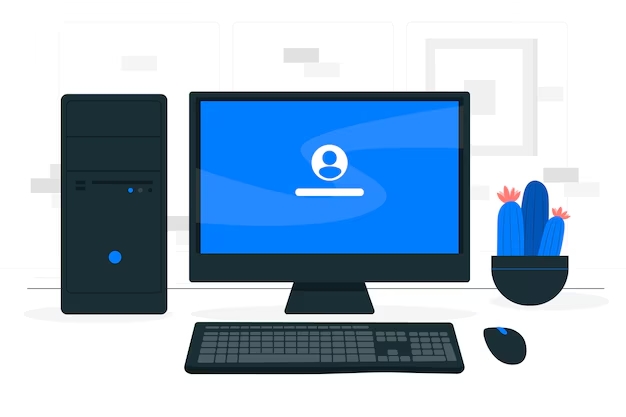
Definition: An electronic device that processes and stores data.
Types:
- Desktops: Fixed location.
- Laptops: Portable.
- Tablets/Smartphones: Fixed location.
2. Basic Components
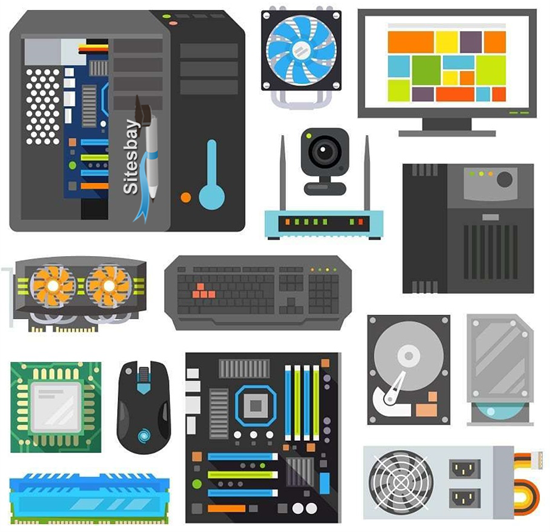
Hardware:
- Central Processing Unit (CPU): The brain of the computer.
- Memory (RAM): Temporary storage for active tasks.
- Storage: Hard drives (HDD) and Solid State Drives (SSD) for data storage.
- Input Devices: Keyboard, mouse.
- Output Devices: Monitor, printer.
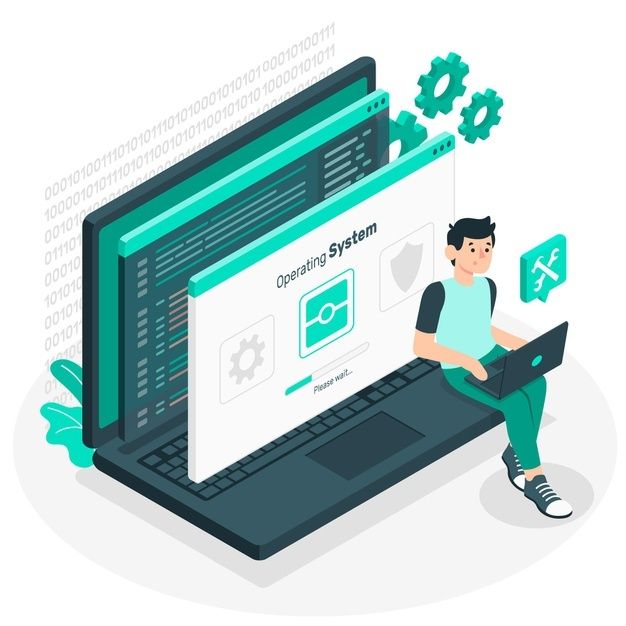
Software:
- Operating System (OS): Manages hardware and software (e.g., Windows, macOS, Linux).
- Applications: Programs for specific tasks (e.g., Word, Excel, web browsers).
3. Internet and Web Browsing

Web Browser: Software used to access and navigate the internet (e.g., Chrome, Firefox).
Search Engines: Tools to find information online (e.g., Google, Bing).
4. Computer Maintenance and Safety
Regular Updates: Keep your operating system and applications up to date to ensure security and performance.
Antivirus: Use antivirus software to protect against malware and other security threats.
Backup Data: Regularly save important files to an external drive or cloud storage to prevent data loss.
